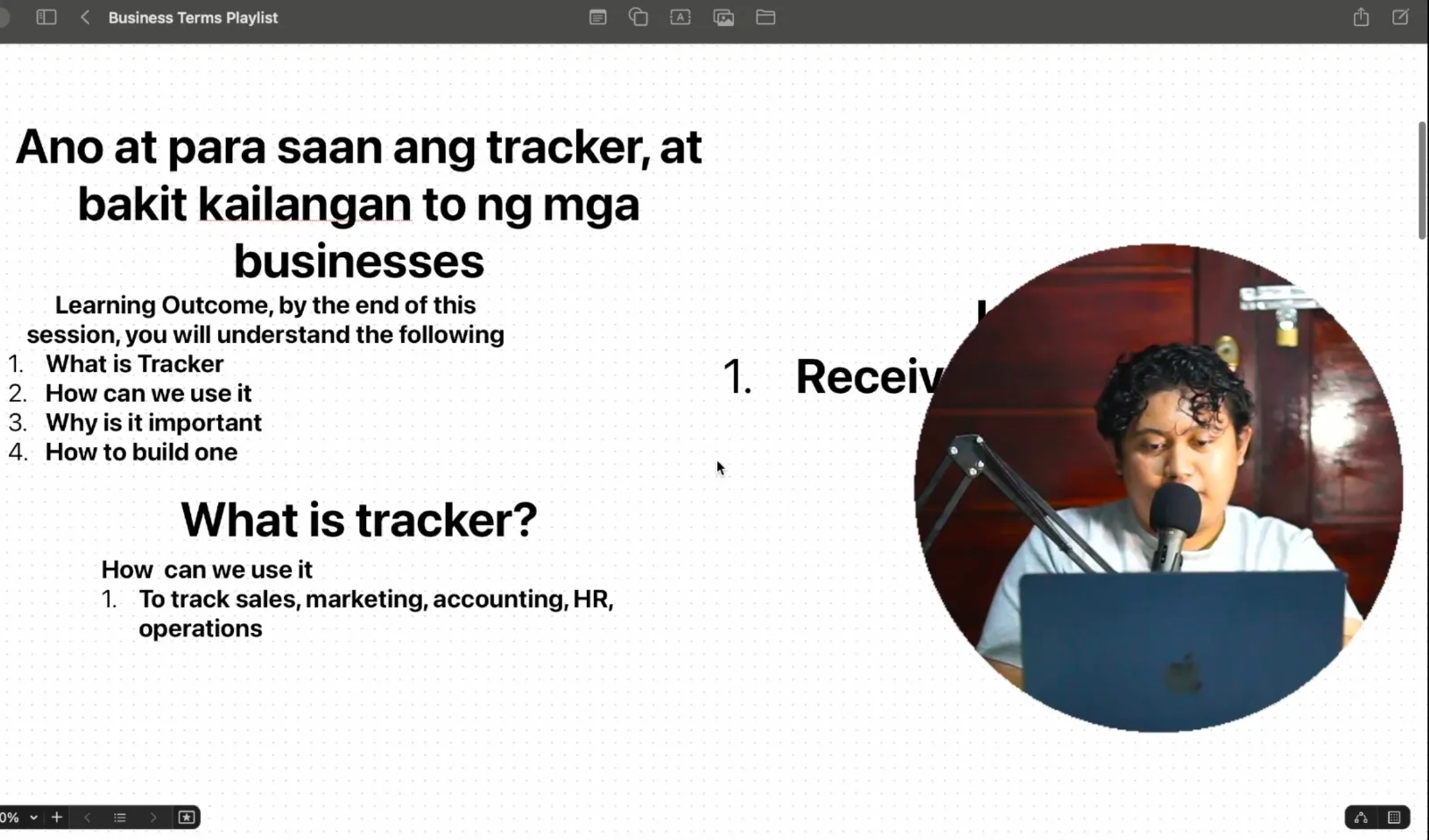
Whether you notice it or not, you are surrounded by trackers.
If you run a small store and you write your daily sales in a notebook, that's a tracker. If you punch a sale into a POS and later scroll through the sales history, that's a tracker. If you're an employee and your manager hands you a monthly evaluation form, then evaluates you in return, that record gets saved somewhere. That's a tracker too.
Manual or automated, every business runs on them. And once you understand what a tracker is used for, why it matters, and how to build one, running a business gets a lot less painful. You stop guessing. You capture data, store it somewhere you can find it, and pull it out when you need to make the right decision.
If this is your first time here, I'm Kyle Nelson Omac, and I have almost five years of experience working with software and systems for businesses. This post is a teaching session, so I'm following the format my teachers use (I'd love to teach someday, honestly). By the end, you should be able to answer three questions:
What is a tracker?
Why is it important?
How do you build one?
What Is a Tracker?
"Tracker" is a broad word. If you're a business owner, you might not have a clear definition of it. If you're an employee, same thing.
So here's my definition, built from my own understanding and experience:
A tracker is a list of history that lets you see progress.
That's it. A record of what happened, so you can tell how far along you are on whatever it is you want to track.
My Own Paper Tracker
Let me show you how basic this really is.
On October 2, 2026, I felt completely bombarded. Too many tasks, all landing on the same day. So I grabbed a piece of paper and a ballpen and wrote a to-do list just to figure out what I actually had to do.
Here's what was on it:
Edit a video for our PE performance activity, the one we did for badminton.
Consolidate my reviewers for the midterm exam. Eight subjects. That's why I had a stack of papers on my desk.
Send some things to our home in Tagum.
Host the Kasosyo Presentation (which I did the night before I recorded this).
Pay off some debts.
On that same sheet, I also noted my progress on the reviewers and which subjects I wouldn't be able to get to.
That piece of paper is a tracker. It tells me what's done, what's still pending, and how much progress I've made. That's the whole goal of a tracker.
Pretty basic, right? Now let's bring it into business.
Where Can Businesses Use a Tracker?
Almost everywhere. Here are the most common areas:
Sales. If you want to know how much you sold today, you need to track your sales. A notebook or software, it doesn't matter. Tracking sales is the most basic use case.
Marketing. How many people liked your post? How many commented? How many actual customers walked in because of the campaign you ran? You count it, you track it.
Finance. Total sales for the month. Profitability for the month. You can only see these numbers if you've been tracking all along.
HR. How many employees do you have? What's each one's status? How many incident reports has a certain employee received? Are they now subject for suspension, or subject for termination? That's a tracker.
Operations. What projects are still pending? What does production need to focus on? When is the deadline? Who's delivering, and when? All of it can be tracked.
And it goes beyond business. You can track your weight. Today you're 100. Tomorrow 100.5. The day after, 99. Every part of life can be tracked.
Why Track at All? A Story About a B2B Client
So why bother? Let me tell you about one of my clients.
They were a B2B business. In B2B, the most crucial things are receivables and payables, because almost all of your sales are on credit. Your clients don't pay you on the spot. They pay you later.
Their first "accounting software" was Excel. And everyone had access to that Excel file.
Because there was no clear procedure, some employees kept their own separate Excel files and then updated the main file sitting in the cloud. You can probably guess where this is going.
The owner was frustrated. The sales numbers were never consistent. Nobody could tell which sales were still unpaid. And if you don't know which invoices are unpaid, how do you follow up with your client? How do you know how much they've already paid? Even producing something as basic as a Statement of Account (SOA) became a struggle.
So we decided to move them to QuickBooks Online. The goal was to finally get control of their receivables, so we'd know which invoices were still waiting to be collected, and their payables, so upcoming supplier bills would get paid on time and they'd know when cash was going out because of post-dated checks (PDCs).
Software can help solve that kind of problem. But here's the hard part. When you transition from Excel to an accounting software, your history needs to come with you, especially the invoices that haven't been paid yet.
So I asked them for one simple thing: give me the list of invoices that are still unpaid. Forget the paid ones for now. Let's just track what we still need to follow up.
They couldn't provide it correctly.
They pulled something out, but it wasn't accurate. The problem was so simple. Transactions just weren't recorded properly. They weren't encoded in Excel correctly. They weren't updated correctly. Receipts hadn't all been pulled out. The carbon copies weren't in order.
That simple problem turned into a million-peso question. Or at the very least, hundreds of thousands. That's how much could be lost or never collected, just because nobody was tracking it the right way. Nobody knew how much was still receivable and how much had already been collected.
Today, their business is completely different. It runs smoothly. Everything is tracked, because a proper tracking process is finally in place.
What Trackers Look Like Inside a Real System
Before I show you how to build a tracker, let me show you what trackers look like inside one of the software systems I built.
Inventory list. It shows the inventory count across every location, the value per branch: the warehouse, the Caloocan branch, the main store, and so on. Count, value, everything.
Stock transfers. When stocks were moved from the warehouse to another branch, when they were sent, where they went, how many items, who sent them, and the status. Open one up and you see the breakdown of what was shipped, where it went, and who received it.
Item list, categories, and per-branch pricing. All trackers.
Receivables. Who the customer is, how many invoices they have, how much they owe, and how much they need to pay.
Expenses and vendors. Also trackers.
Here's the point: the more you track, the easier it becomes to turn that into a report. Once everything is tracked, it rolls up into a summary. If nothing was ever entered, if nobody recorded anything in the system, you get nothing. No report. No summary.
Basically, the tracker is the source of everything. Once you understand that, you'll start seeing trackers everywhere. You'll appreciate them in the long game, especially when you can study a whole month or a whole year of data.
How to Build a Tracker in 4 Steps
Building a tracker is simple. Here's the framework:
Identify the goal.
Identify the data you need.
Choose a tool.
Build a process.
Let's walk through a basic example so it's easy to follow.
Step 1: Identify the Goal
Our goal: know the total sales per month.
Step 2: Identify the Data You Need
To know your total monthly sales, you need a list of sales per day. For each sale, capture:
Date
Customer name
Item or service sold
Amount
That's it.
Step 3: Choose a Tool
You could use a POS, Google Sheets, or Excel. Even a notebook works. For this example, we'll use Google Sheets.
Step 4: Build a Process
This is where most businesses fall apart.
I once demoed a software to a business owner. It was advanced. Everything could be tracked. And you know what his question was?
"Who's going to input the data?"
That's where process comes in. A tool without a process is useless.
So here's our process:
The customer orders.
The customer pays.
The cashier records the sale in Google Sheets first.
Only then is the item handed over.
Order, pay, record, then release. Simple.
Building the Sales Tracker in Google Sheets
Open a new Google Sheet and name it Sales Tracker.
Create columns based on the data you need:
Date Customer Item / Description Amount Recorded By
I added "Recorded By" so we know who entered each sale.
Now let's record a sample transaction. Today is October 3. A customer named Kyle orders 100 bottles of toyo (soy sauce) and 100 bottles of suka (vinegar). He pays ₱10,000. Cashier Juan records it.
Date Customer Item / Description Amount Recorded By Oct 3 Kyle 100 toyo, 100 suka ₱10,000 Cashier Juan
Notice we stuck to the process. The customer ordered, paid ₱10,000, the sale was recorded, and only then was the item released. Now we have data.
Let's say that same transaction repeated many times until October 31. Highlight the Amount column, sum it up, and the sheet tells you that you sold ₱290,000 for the month.
Without this tracker, how would you have known you made ₱290,000 in sales?
This is the most basic version. There are many ways to automate it. But this is the essence of a tracker.
Taking It Further
This example only had two products. You can go deeper and track how many toyo and how many suka you sold in a month. That's called a sales summary per product or service.
From there, you'll know your top product of the month and which item sells better. All of that becomes possible only because you have a tracker. Without one, you'll never know.
And once you have trackers for sales, you can build them for marketing, task assignments, procedures, operations projects, deliveries, and dispatch. The important thing is to have one. Without a tracker, you don't know what happened.
Trackers Are Everywhere (Even in Your Coffee Order)
I like observing how businesses track things.
After a dinner meeting in Tagum, we grabbed coffee at a small roadside coffee stall. When we ordered, they asked what we wanted. For me, it's always either a caramel macchiato or a Spanish latte. Those are the only two I drink.
Their way of tracking? They wrote the flavor on the cup, wrote the order on a piece of paper, then told us the total. "Sir, ₱99 po lahat." Then I paid.
That's a tracker. Whether they checked it off after handing me my coffee or crossed it out, that's up to their process.
Now think of Jollibee. Many branches now have self-order kiosks where you type in your own order. Say you order C1, chicken with fries and a drink. That data gets saved and sent straight to the kitchen. The kitchen has its own tracker: what to cook, when to cook it, when it's done, and when it should be delivered to the customer's table.
Once you realize everything is a tracker, half your problem is solved.
You Can Run a Business Without a Tracker, But Should You?
Let's be honest. You can run a business without a tracker. That's legit. You can operate without ever thinking about recording anything.
Until you start complaining. Until you're confused about where your money went. Until you're wondering why there's so little progress even though you work every single day.
It's possible to run without tracking, but it's slow. And it's not scalable. If you never learn to set up trackers, you'll also have a hard time finding people you can trust, because you'll always be guessing whether you're being stolen from. You'll have no basis.
A tracker is part of your documentation process. If you don't track, you have no evidence. If you don't have a process, your employees suffer, because they have nothing to follow.
Where to Start
Take it step by step:
Start with sales.
Then your money: cash in, cash out, expenses.
Then operations.
Keep going until you've built trackers for your entire business. Once you have that, that's the time to migrate to automated software or have your own app built. An app is really just an ecosystem of trackers. It revolves around everything a business needs to track.
If you're a programmer building apps for businesses, you need to understand this concept. Without it, you won't know what to track or why, and you won't know how to build a proper report or database.
And if you're a business owner, this becomes your point of view: what needs to be tracked, who should track it, and why it matters.
So ask yourself today: What's my goal? What data do I need? What tool will I use? Even a notebook works. And what's my process, so my people, and I, know exactly when and how to record it?
If you want help setting up trackers, bookkeeping, or systems for your business, connect with me at kylenelsonomac.com.
Faith without action is Fiction.